Prioritise Tenancy For Referencing
If you use our traditional referencing or Property PassportTM referencing services, your branch has the option to prioritise 1 tenancy for referencing if you have an urgent case where you need the final reports to be issued as quickly as possible. If you use our Buzz referencing service and flip your reference to our team to complete for you, you can also use this prioritisation feature.
When you prioritise a tenancy, it means that all tasks related to the reference checks jump to the top of the list for our teams to complete.
To prioritise a tenancy, click the ‘Prioritise tenancy for referencing’ button.
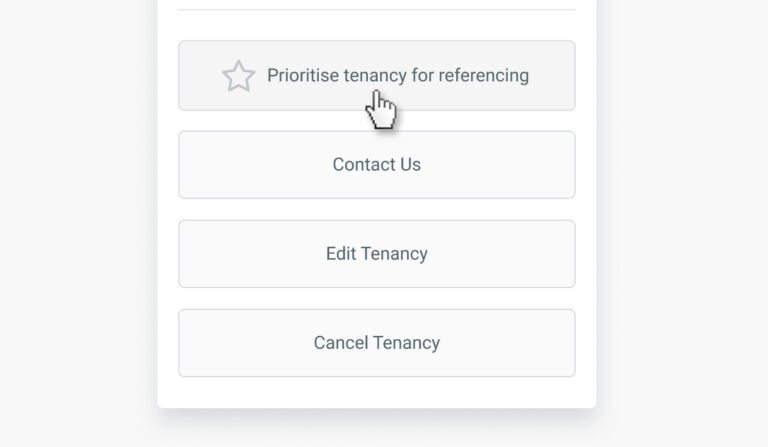
You can prioritise 1 tenancy at a time, so if a tenancy has already been prioritised and the checks for that tenancy are still in progress, the ‘Prioritise tenancy for referencing’ button will not display here. It will only display if no other tenancies have currently been prioritised.
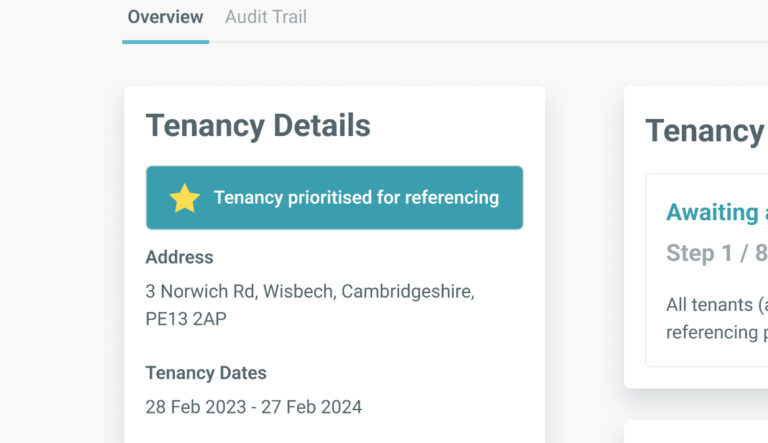
When a tenancy has been prioritised, a badge will be displayed at the top of the ‘Tenancy Details’ section of the tenancy record. Once all references have been completed, the badge will be removed, and the button will also no longer display as all references have now been completed.