You can remove a tenant from the tenancy at any time up until ‘Step 3 – Tenancy Acceptance’ has been completed on BOX.
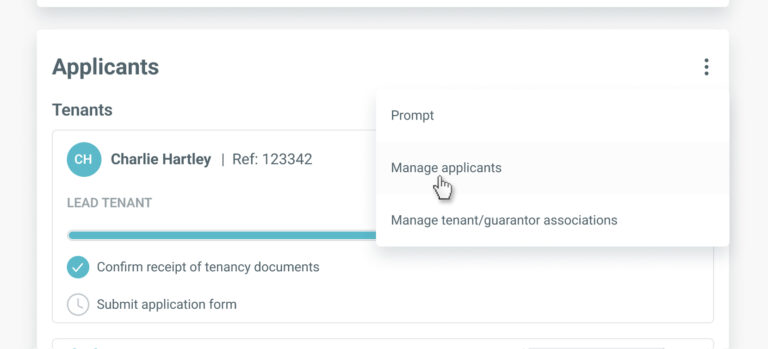
To remove a tenant from the tenancy, go to the ‘Applicants’ section on the tenancy record and select ‘Manage applicants’ from the menu.
In the ‘Manage Applicants’ screen, click the ‘Remove’ button for the tenant you wish to remove from the tenancy.
You’ll be asked to confirm the reason for cancellation. Once you have selected your reason, any reference checks in progress for this tenant will be cancelled and they will no longer appear in the ‘Applicants’ section of the tenancy record.
Any guarantors associated with this tenant will remain on tenancy as normal.
By continuing to browse the site you are agreeing to our use of cookies
Are you boxing clever yet?
Book a demo
Find out how BOX can help you save time, reduce admin and let properties faster.