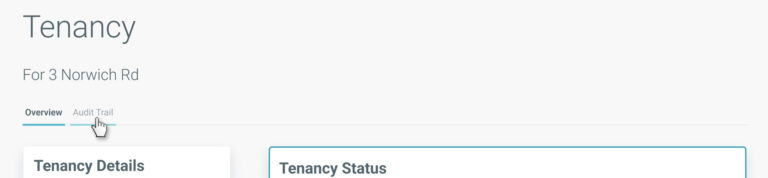
When viewing the tenancy record, click on the ‘Audit Trail’ tab.
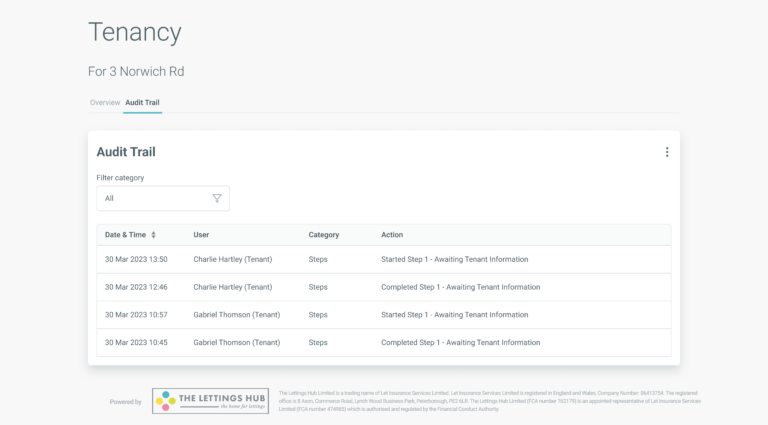
Here you will find a table setting out the key actions recorded that relate to the tenancy including any changes and progression through the BOX steps. The detail includes the date and time the action took place and the user that took the action.
Filter category
Audit trail notes are categorised based on what the action relates to. If the notes fall into two or more categories, you can filter the table to view only the categories you select.
Change order of notes
Notes are displayed with newest at the top and oldest at the bottom. You can reverse this order by clicking on the ‘Date & Time’ column heading.
Download audit trail
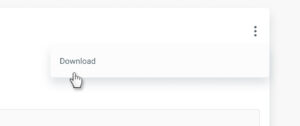
You can export a PDF copy of the audit trail by selecting ‘Download’ from the menu.
By continuing to browse the site you are agreeing to our use of cookies
Are you boxing clever yet?
Book a demo
Find out how BOX can help you save time, reduce admin and let properties faster.